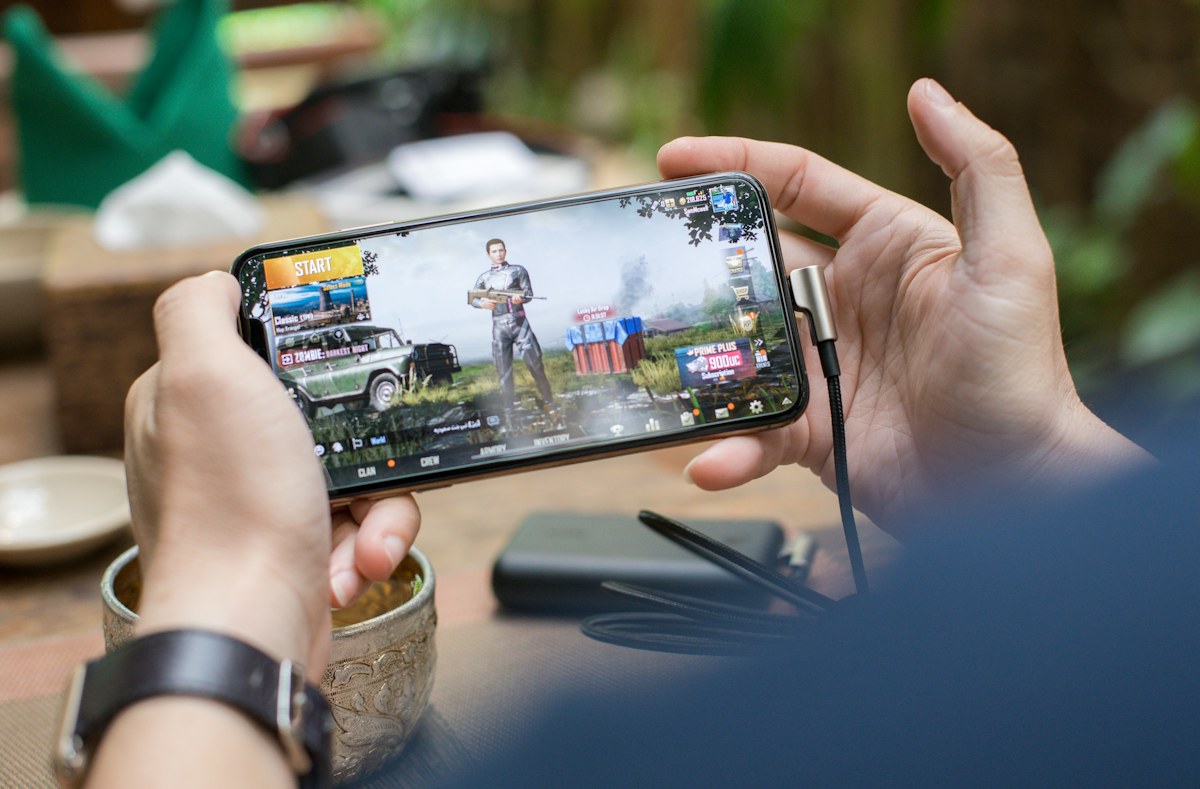
App safety starts before installation. A polished logo or a popular game name cannot tell you who controls the software, which data it requests or how account information is handled.
Identify the Publisher
Check the official publisher identity, app name and package details. Similar names and copied graphics can be misleading. A directory page is useful for research but does not replace publisher verification.
Read the Permissions
Permissions should match features you expect to use. A basic game generally needs a clear explanation for sensitive access such as SMS, contacts, microphone or Accessibility. Deny unexpected permissions and investigate before continuing.
Protect Login and Payment Details
Never send passwords, one-time codes or UPI PINs to people claiming to be support agents. Use official support channels and do not follow unsolicited messages asking you to move funds or share screen access.
Check Privacy Information
A credible privacy policy should explain what data is collected, why it is used, who may receive it and how users can request help. Compare those statements with the app behavior and the permissions it requests.
Updates and Device Hygiene
Keep Android and installed apps updated where possible. Remove software you no longer use, review permissions periodically and avoid altered APK packages from unknown sources.
A Practical Checklist
Before installing, verify the publisher, read the rules and privacy policy, check age and location eligibility, confirm compatibility and review financial risks if applicable. If a detail is unclear, delay installation until it can be checked.
Explore more independent app information in the All Yono Games directory and our Android App Guide.